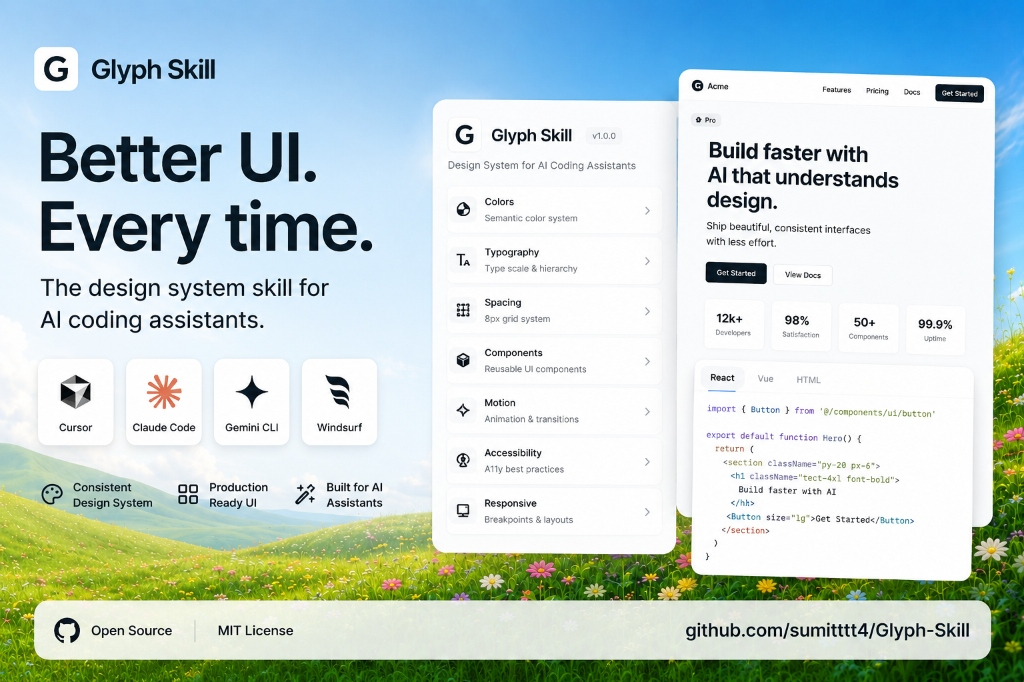
SaaS Landing Page
Glyph Site Generator
AI landing page builder styled in a cool warm paper and glassmorphic technical theme.
// Glyph System Config
const config = {
  theme: "developer-taste",
  color: {
    primary: "#1a1a17",
    background: "#f4f0e8",
    border: "rgba(0,0,0,0.08)"
  },
  typography: {
    headings: "Host",
    body: "Inter",
    tracking: "-0.03em"
  }
}An enforceable brand, layout, and documentation skill for your AI coding assistant. Import strict layout constraints, typography locks, color variables, and animation limits.
$npx skills add sumitttt4/Glyph-SkillCompatible coding agents
Designed with Taste
Real landing pages and web applications generated using AI assistants equipped with Glyph system constraints.
AI landing page builder styled in a cool warm paper and glassmorphic technical theme.
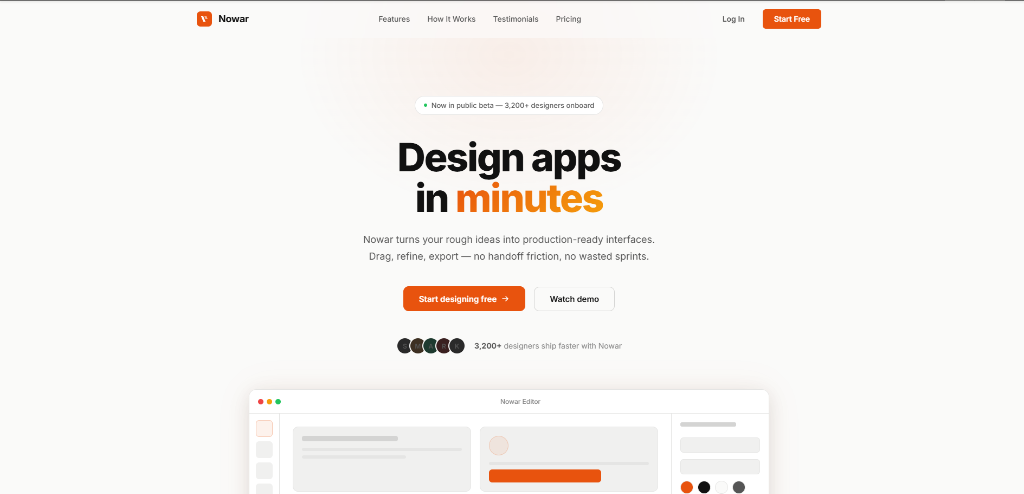
Productivity application interface featuring solid orange accents and clean wireframe elements.
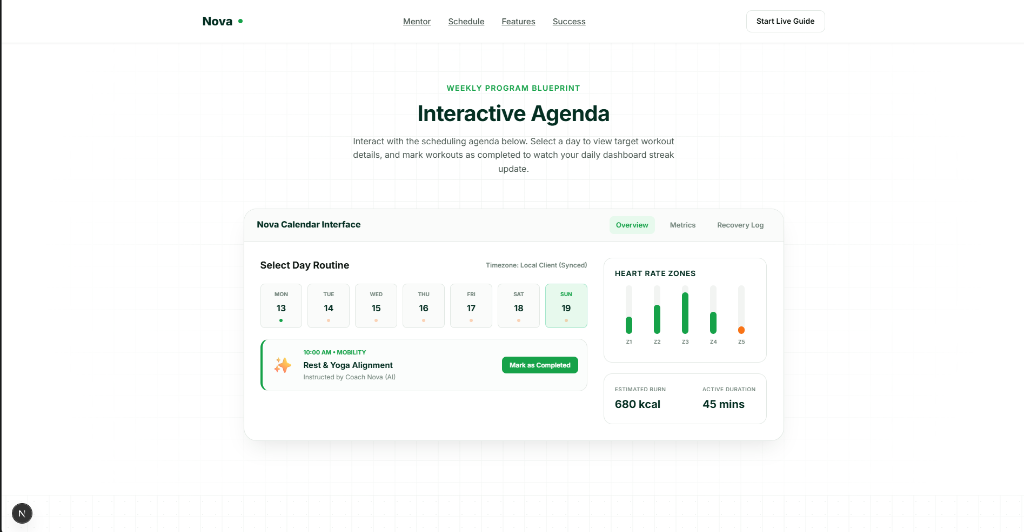
Fitness and health agenda interface structured around a strict calendar grid system.
Glyph converts abstract design taste into structured prompt instructions, tokens, grids, and boundaries.
Accent consistency locks, max text colors per surface, contrast requirements, and industry-standard palettes.
Font pairing stacks, negative heading tracking, weight limits, and strict 65-character line length locks.
A locked 4px grid system, standard container widths (720/1080/1280px), and unified padding parameters.
Detailed design specifications for 22 interface component types, including forms, navbars, tables, and modal elements.
Active bans on mesh blobs, Poppins defaults, floating decoration orbs, AI sparkle icons, and vague copywriting.
Clean implementation constraints for React, Next.js, Svelte, Tailwind, and custom styled templates.
Limits on visual background patterns, gradient overlay masks, filters, and backdrop blur variables.
Animation caps (400ms max), cubic-bezier easing curves, active press scaling, and transition constraints.
Visible focus outlines, keyboard navigation paths, touch target minimums, and ARIA landmark constraints.
Folding breakpoint triggers, custom mobile spacing metrics, container collapse rules, and overflow control.
Install
The repository includes SKILL.md plus generated layout rules, typography locks, color systems, and animation guidelines.
$npx skills add sumitttt4/Glyph-Skill